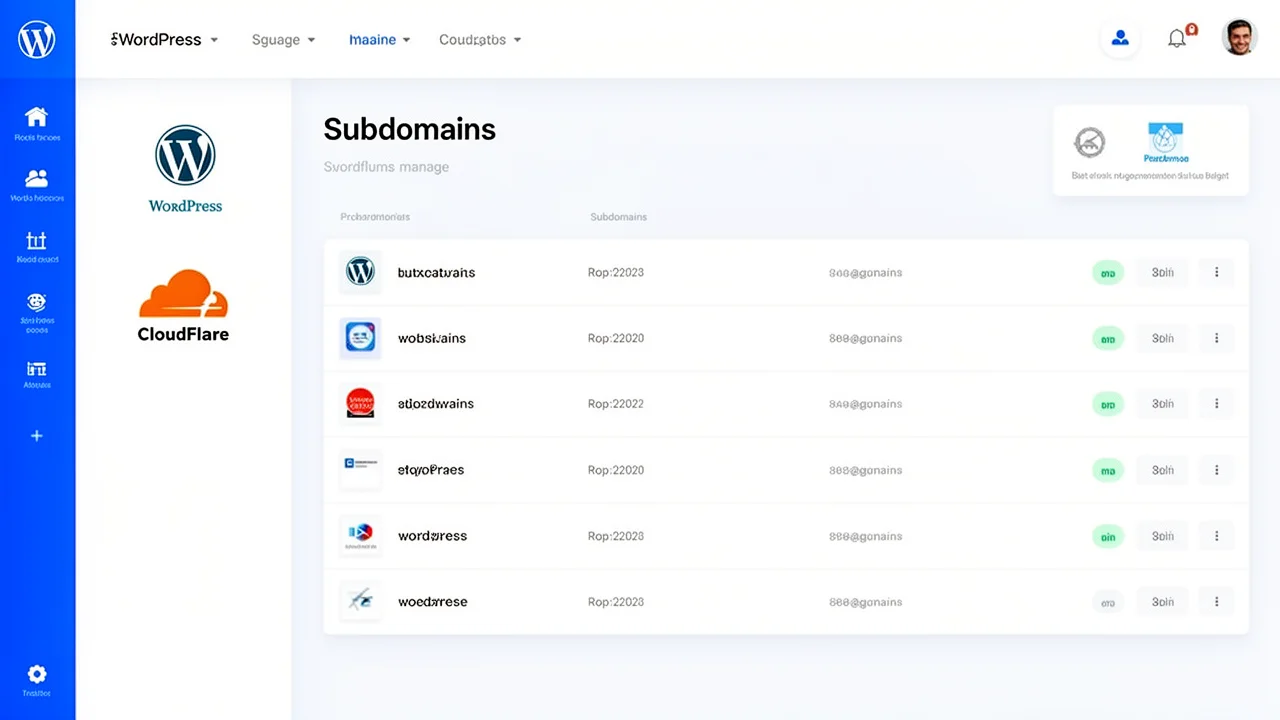
What is Turbo Subdomains software?
Turbo Subdomains is a user-friendly software solution designed for SEO professionals to build and manage Private Blog Networks (PBNs) efficiently. It allows you to create and manage up to 1000 unique subdomains from a single, central WordPress installation. This eliminates the need for managing hundreds of separate hosting accounts and domains, drastically simplifying the technical overhead of running a content network. The software automates the complex setup process and integrates seamlessly with Cloudflare for enhanced performance, security, and DNS management. For a broader understanding of PBN strategies, you can explore insights from PBN SEO Professionals.
How does the single WordPress install work?
The core innovation of Turbo Subdomains is its use of a multisite-capable WordPress installation. Instead of installing WordPress separately for each subdomain, the software configures one primary WordPress instance to recognize and serve content for all your subdomains (e.g., blog1.yourdomain.com, blog2.yourdomain.com). Each subdomain acts as an independent site within the network, with its own content, themes, and plugins, but they all share the same core WordPress files and database. This architecture is key to streamlining PBN management by centralizing updates, backups, and security measures in one place.
What are the main benefits of using this software?
The benefits are centered on efficiency, control, and scalability for SEO professionals.
- Dramatic Cost Reduction: Hosting 1000 subdomains on one hosting plan is far cheaper than 1000 separate hosting accounts. 2. Simplified Management: Update WordPress core, plugins, and themes once for the entire network from a single dashboard. 3. Enhanced Security: A single point for security hardening and monitoring, combined with Cloudflare’s protection, secures your entire network. 4. Rapid Deployment: Spin up new subdomains for your content network in minutes, not days. 5. Centralized Performance: Optimize caching and performance settings globally, ensuring fast load times across all subdomains.
How does the Cloudflare integration enhance my PBN?
The automated Cloudflare integration is a critical component for PBN health and performance. Once configured, Turbo Subdomains software manages the DNS records for your subdomains through Cloudflare’s API. This provides several key advantages:
- Improved Security: Cloudflare acts as a reverse proxy, hiding your server’s origin IP address and providing DDoS protection and a Web Application Firewall (WAF). * Performance Boost: Global CDN caching ensures your subdomain content loads quickly for visitors worldwide. * Reliable DNS Management: Automated, programmatic DNS updates eliminate manual errors and ensure subdomains propagate correctly and reliably. * SSL Certificate Provisioning: Cloudflare can provide free SSL certificates for all subdomains, ensuring HTTPS security is in place.
Who is the ideal user for Turbo Subdomains?
This software is built for SEO professionals and agencies who understand the value of a Private Blog Network for building authority and earning backlinks. It’s ideal for users who are tired of the logistical nightmare and high costs of managing dozens or hundreds of separate WordPress installations. If your goal is to scale your link-building efforts while maintaining strict control over site quality, security, and performance, Turbo Subdomains provides the centralized platform to do so. It turns a complex technical challenge into a manageable, software-driven process.