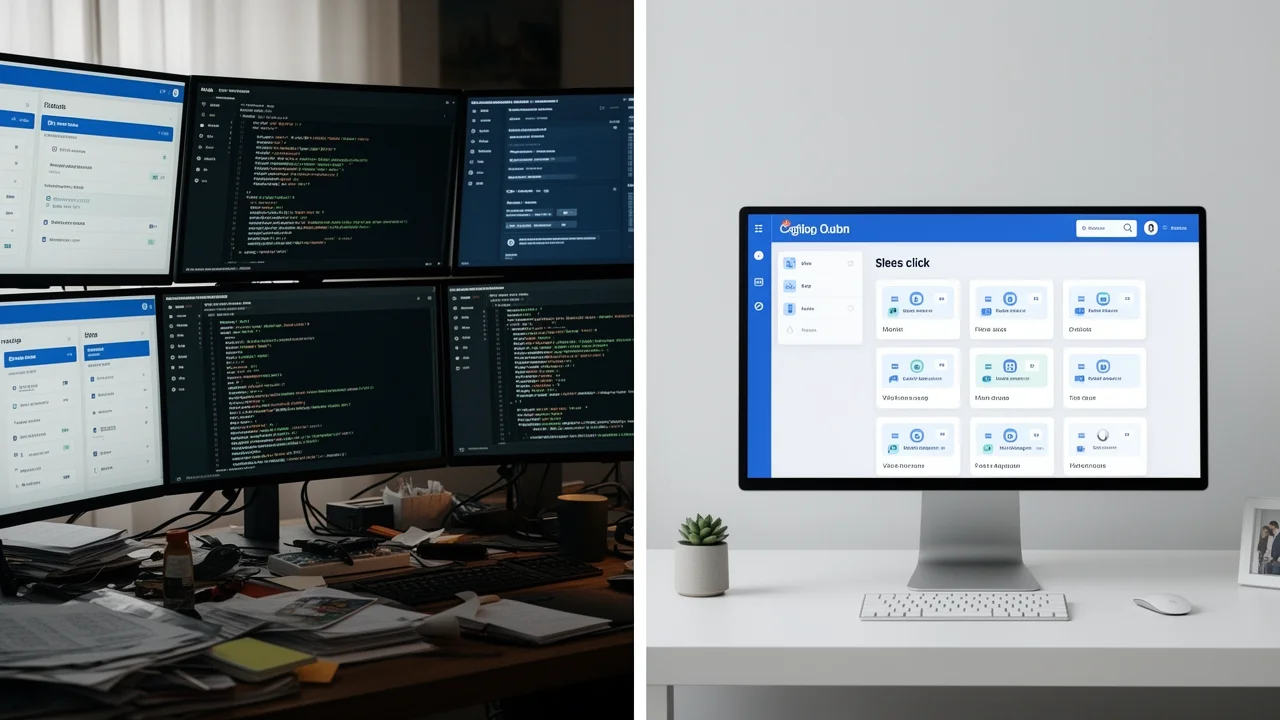
The Time Cost of Manual PBN Management
Building a PBN manually is a repetitive, multi-step process for each site. First, you must procure hosting and a domain (or subdomain), which involves research and payment. Then, you perform a manual WordPress installation, which takes 20-30 minutes. After that, you spend another 20-40 minutes on post-installation: configuring settings (permalinks, privacy), installing and configuring a theme, adding essential plugins for security, SEO, and caching, and creating basic pages (Home, About, Contact). For a 10-site network, this is 7-12 hours of pure setup time, not including content creation or link placement.
How Automated PBN Software Works
Automated PBN software, like Turbo Subdomains, streamlines this process through templates and batch operations. The core concept is a single WordPress installation that manages multiple subdomains as independent sites. You configure a ‘blueprint’ once—including your preferred theme, plugin set, default pages, and settings. The software then uses this blueprint to instantly spin up new subdomain sites. This approach directly addresses the technical hosting requirements for a centralized network by managing everything from a single dashboard, including DNS integration with services like Cloudflare.
Side-by-Side Time Comparison
Let’s break down the time investment for a single site, then scale it to a network of 50 sites. Manual Method (Per Site): Hosting/Domain Setup (10 min) + WordPress Install (25 min) + Theme/Plugin Config (30 min) = ~65 minutes. Automated Method (Per Site): Subdomain Creation (1 min) + Automated Provisioning from Template (3 min) = ~4 minutes. Scale to 50 Sites: Manual: 50 sites × 65 min = 3,250 minutes (54 hours). Automated: Initial Template Setup (30 min) + (50 sites × 4 min) = 230 minutes (under 4 hours). The time saved is over 50 hours.
Efficiency & Consistency Advantages
Beyond raw time savings, automation offers qualitative benefits. Consistency: Every site is built with an identical, optimized configuration, eliminating human error in settings. Centralized Management: Updates to themes, plugins, or core settings can be pushed to all sites in the network simultaneously from one dashboard. Rapid Scaling: Adding the 51st site takes 4 minutes, not another hour. This level of efficiency is what allows SEO professionals to move from managing a handful of sites to overseeing a true, scalable network that can support multiple client campaigns or aggressive personal projects.
Potential Drawbacks & Considerations
Automation isn’t a magic bullet without considerations. Footprint Concerns: Using identical templates could create a pattern. Good software allows for customization and randomization of themes, plugins, and settings to mitigate this. Dependency on Software: Your network’s management is tied to the software’s functionality and ongoing support. Learning Curve: There’s an initial investment in learning the software, though it’s less than learning full server management. Cost: Quality software is a recurring expense, but it must be weighed against the value of hours saved. For those focused on content network strategies, automation frees up time for the high-value work of content creation and outreach.
Which Method is Right For You?
Your choice depends on your goals and scale. Choose Manual Setup If: You are building a very small network (1-5 sites), want deep, hands-on learning, or have extreme budget constraints where your time has no monetary value. Choose Automated Setup If: You plan to build a network of 10+ sites, value your time highly, need to manage sites for multiple clients, or want to scale quickly and consistently. For most serious SEOs and agencies, the return on investment from automation software becomes clear very quickly. The key is to integrate it with solid PBN management principles for long-term success.