Why PBN Hosting is Different
Hosting for a Private Blog Network isn’t the same as hosting a single business website. The primary goals shift from pure visitor experience to SEO performance, footprint minimization, and manageability at scale. A poor hosting choice can lead to slow site indexing, increased risk of detection by search engines, and a management nightmare. The foundation of any PBN is its WordPress installation, but the server it sits on determines its power and stealth.
Core Technical Requirements
Your hosting must meet or exceed these specifications to run a modern, secure WordPress-based PBN effectively.
Server & Resource Isolation
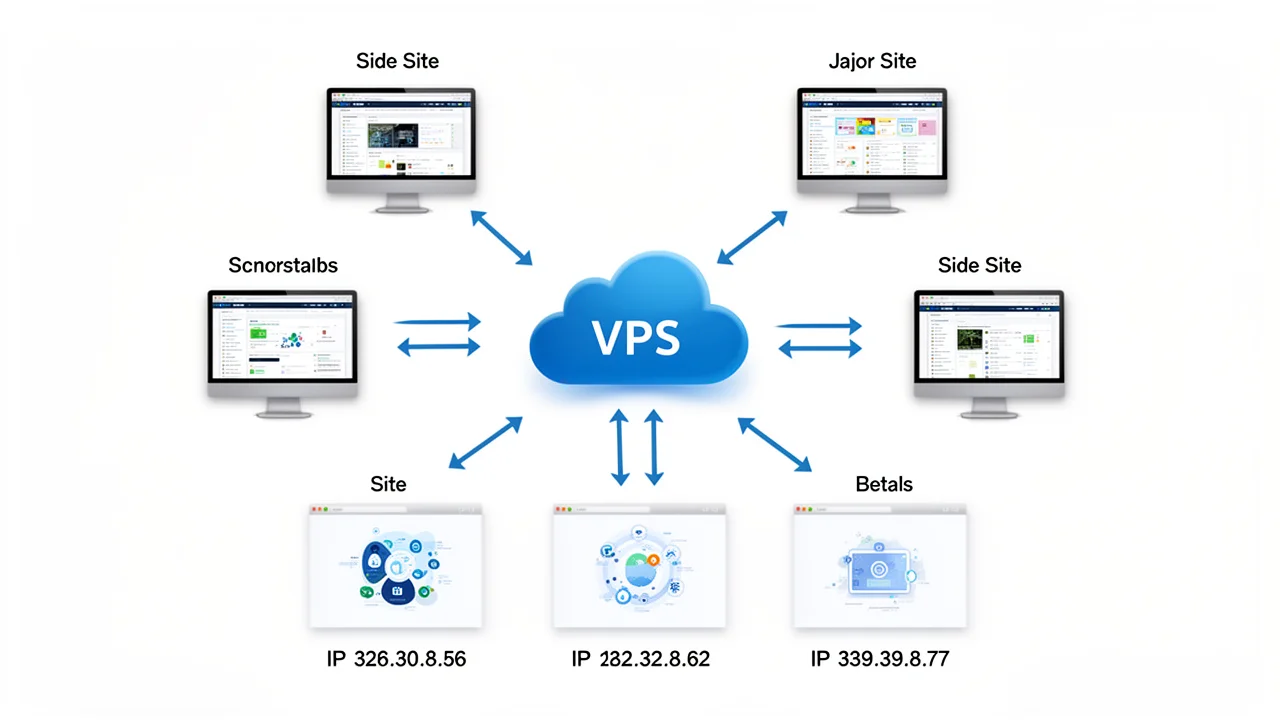
Avoid Shared Hosting for Critical Nodes: While cheap, shared hosting places hundreds of sites on a single server and IP address. This creates a clear footprint if you host multiple PBN sites there. Opt for VPS or Dedicated Resources: A Virtual Private Server (VPS) or cloud instances with dedicated RAM and CPU cores provide isolation. Each PBN site should ideally be on a unique Class C IP address, which requires a hosting provider capable of offering multiple IPs or using different providers altogether.
Software & Performance Specs
PHP: Version 7.4 or higher (8.0+ recommended) for security and speed. Database: MySQL 5.6+ or MariaDB 10.1+. Web Server: Apache or Nginx (Nginx is often faster). Storage: 100% SSD storage is non-negotiable for fast database queries and page load times. Memory (RAM): A minimum of 1GB RAM per VPS is advisable, with 2GB+ being ideal for handling traffic and plugins. Bandwidth: While PBNs typically have low visitor traffic, sufficient bandwidth is needed for admin work, updates, and potential spikes.
Security & Management Features
SSL Certificates: Free Let’s Encrypt SSL should be easily installable for every domain/subdomain (HTTPS is a ranking factor). Firewall & DDoS Protection: Basic network-level protection is essential. Backups: Automated, off-server backup solutions are crucial for disaster recovery. Access: SSH access (for advanced management) and a reliable control panel (like cPanel, DirectAdmin, or a custom panel) for daily tasks. For SEO professionals managing clients, these features reduce operational risk.
Hosting Strategy: Centralized vs. Distributed
You have two main architectural choices, each with trade-offs. Centralized Hosting: Using a single powerful server or a multi-IP VPS to host many PBN sites. This is easier to manage and back up but carries a higher risk footprint if the server IP is flagged. Distributed Hosting: Spreading PBN sites across multiple hosting providers and server locations. This maximizes IP diversity and minimizes risk but increases management complexity and cost. The choice often depends on the scale and risk tolerance of your network. Tools that simplify management, like Turbo Subdomains, can make a centralized approach more viable.
Red Flags in a PBN Hosting Provider
Not all hosting is created equal. Avoid providers that: 1. Forbid PBNs in their TOS: Always read the Acceptable Use Policy. 2. Have Poor Uptime Records: Look for 99.9%+ uptime guarantees. 3. Use Oversold or Slow Hardware: Check reviews for performance complaints. 4. Offer No IP Diversity: Cannot provide additional IP addresses. 5. Have Bad Security Histories: Frequent reports of hacks or breaches. Investing in reliable hosting is investing in the longevity of your PBN. Comparing the manual vs. automated setup also reveals how hosting choices impact long-term time investment.