Turbo Subdomains Software Features & Capabilities
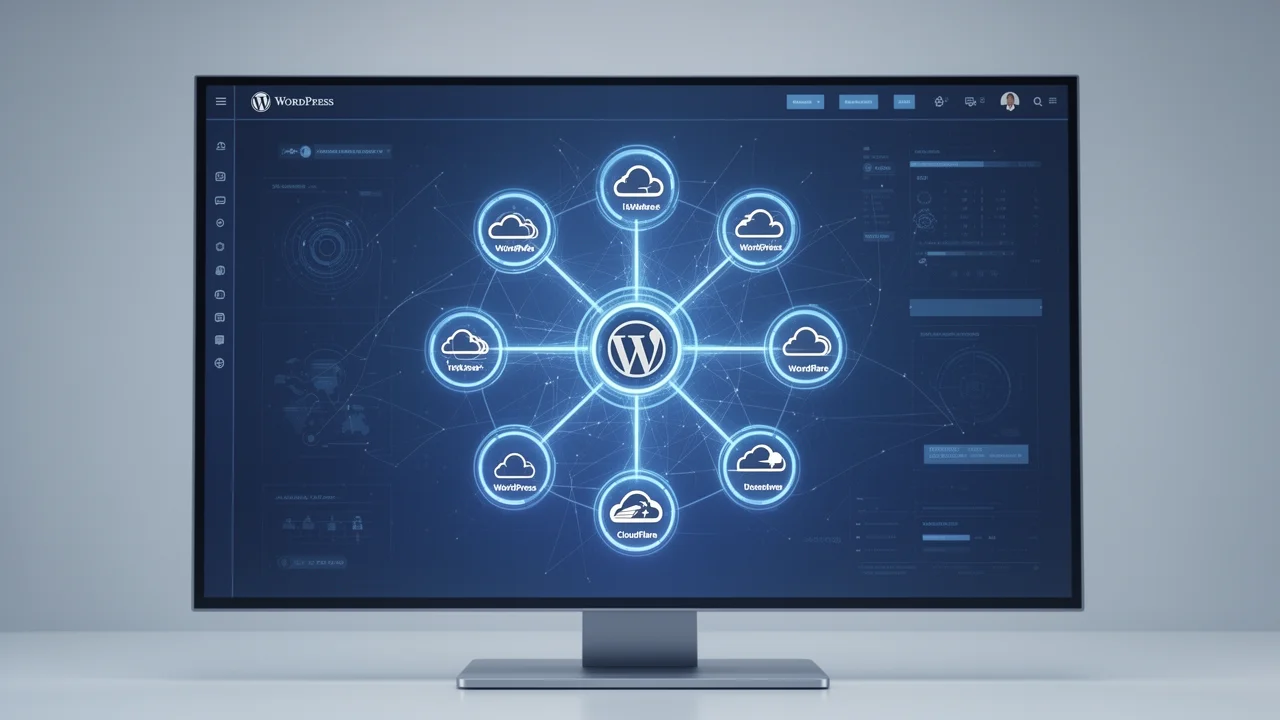
Turbo Subdomains automates PBN creation, managing 1000 subdomains from one WordPress install with Cloudflare setup and bulk content tools.
What is Turbo Subdomains Software?
Turbo Subdomains is a specialized software platform designed to simplify the creation, management, and scaling of Private Blog Networks (PBNs) using subdomains. It transforms a single WordPress installation into a powerful hub capable of hosting hundreds or even thousands of individual subdomain sites. This approach centralizes management, drastically reduces hosting complexity and costs, and provides a unified dashboard for overseeing an entire content network. For SEO professionals looking to build authority, the software automates the technical heavy lifting, allowing you to focus on strategy and content. Understanding the broader context of PBN management strategies can help maximize the effectiveness of this tool.
Core Software Features & Capabilities
The software’s power lies in its comprehensive feature set, engineered to address every stage of PBN development.
Automated WordPress & Subdomain Setup
The foundation of Turbo Subdomains is its fully automated provisioning system. Instead of manually creating subdomains in cPanel and installing WordPress for each one, the software handles it all. You define your root domain and desired subdomain naming convention, and the system automatically creates the necessary DNS records (via integration with your hosting or Cloudflare) and deploys a fresh, optimized WordPress instance to each new subdomain. This eliminates hours of repetitive setup work and ensures a consistent, clean starting point for every site in your network.
Seamless Cloudflare Integration & Automation
Security and performance are non-negotiable for PBNs. Turbo Subdomains features deep, automated integration with Cloudflare. Upon subdomain creation, the software can automatically add the subdomain to your Cloudflare zone, proxy it through Cloudflare’s global CDN for speed and DDoS protection, and configure SSL certificates. This automation ensures every site in your network benefits from enterprise-grade security and performance optimizations without manual intervention, a critical component for modern SEO and brand awareness campaigns.
Centralized Network Management Dashboard
Manage your entire PBN from one intuitive dashboard. View all subdomains, their status, installed themes/plugins, and content metrics at a glance. Perform bulk actions like updating plugins across the network, changing themes, or applying security settings universally. This centralized control is the key to scalable management, turning what would be a chaotic sprawl of individual WordPress admin panels into a streamlined, organized operation.
Bulk Content Deployment & Scheduling
Content is the lifeblood of any PBN. Turbo Subdomains includes tools to deploy content at scale. You can upload articles in bulk, assign them to specific subdomains or categories within the network, and schedule publication dates. This allows for strategic content drip-feeding, making your network’s growth appear natural to search engines. The system helps maintain consistent content quality and publishing velocity across all your properties.
Theme & Plugin Management
Ensure diversity and avoid footprints. The software allows you to manage a library of WordPress themes and plugins. You can assign different themes to different subdomains or groups of subdomains with a few clicks, and bulk-install or update essential plugins. This helps each subdomain maintain a unique appearance and functionality profile, which is vital for network longevity and effectiveness.
How Does Turbo Subdomains Software Work?
The software operates on a simple but powerful principle: centralization through automation. It sits atop your primary domain’s WordPress installation as a control panel. When you instruct it to create a new subdomain site (e.g., tools.yourdomain.com), it executes a sequence: 1) Creates the subdomain record, 2) Integrates with Cloudflare, 3) Clones a pre-configured WordPress setup into the subdomain’s directory, and 4) Registers the new site in the central dashboard. All subsequent management—content, updates, monitoring—flows through this central hub. This process mirrors efficient content network strategies that prioritize scalability and control.
Who is This Software For?
Turbo Subdomains is built for SEO professionals, digital marketers, and agencies who understand the value of owned media and link equity. It’s ideal for those who are tired of the cost and complexity of managing dozens of separate hosting accounts for a PBN, or for those who want to build a scalable, brand-aware content network under a single umbrella domain. It turns a technically daunting project into a manageable, software-driven process.
Frequently Asked Questions
Do I need separate hosting for each subdomain?
No. All subdomains run under your primary domain's hosting plan. Turbo Subdomains creates them as directories within your main WordPress installation, eliminating the need for multiple hosting accounts.
How does the software handle security for so many sites?
Security is centralized and enhanced through automated Cloudflare integration (providing DDoS protection and a firewall) and the ability to bulk-manage security plugins and WordPress core updates across all subdomains from one dashboard.
Can I use different themes on different subdomains?
Yes. A core feature is the ability to manage a library of themes and assign them individually or in bulk to different subdomains, helping you avoid a uniform footprint across your network.
Is technical expertise required to use Turbo Subdomains?
The software is designed to be user-friendly. While understanding WordPress and basic SEO concepts helps, the automated workflows handle the complex technical tasks like DNS and server configuration.